
Your first crafts
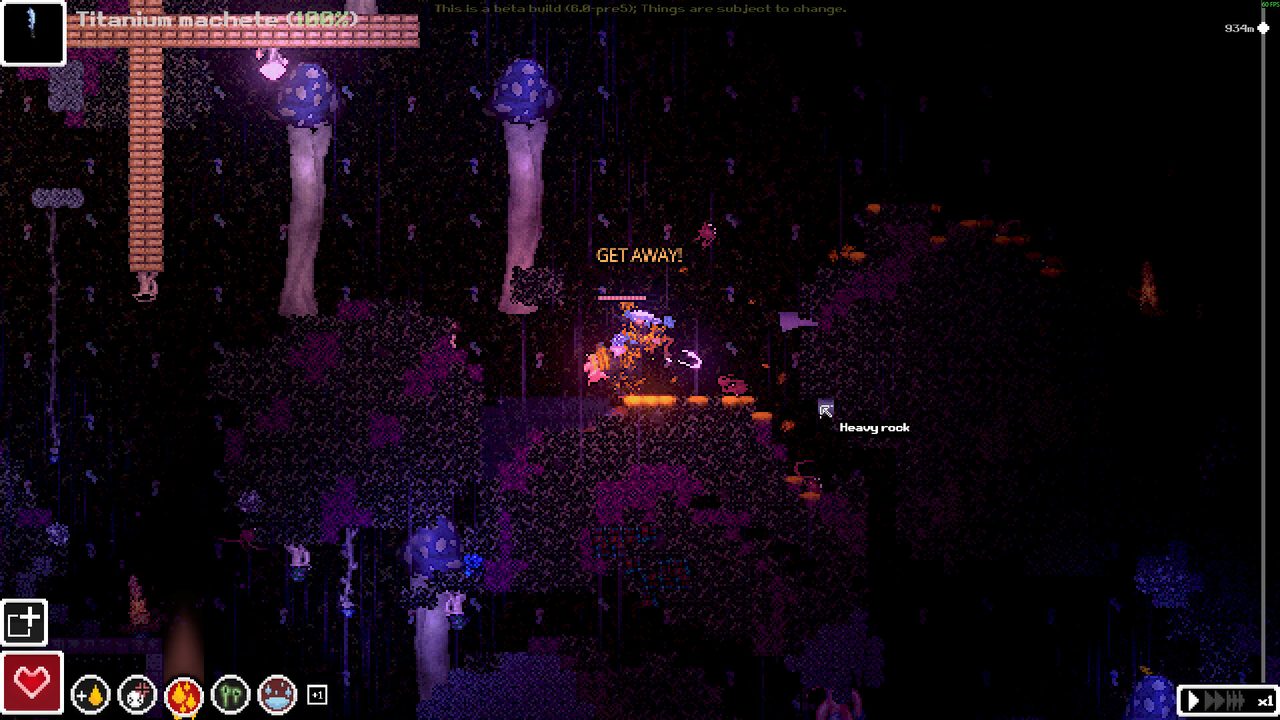
Press C to open the crafting menu. Recipes you can make right now sit at the top of the list, highlighted in white. Pick one, then click its icon at the top right to make it.
Almost everything you find is useful. Scrap piles and traps give metal, wooden structures give wood, and plants give  foliage. You can also craft with items lying on the ground near you, so you don’t have to pick everything up first.
1. Get a container
Section titled “1. Get a container”The game’s own Crafting Course says a container should always be your first goal. A  Foliage bag takes a
 Rope and two
 Canvas. Rope and Canvas use any item with Foliage quality, including Foliage and
 Dried foliage.
2. Make dressings
Section titled “2. Make dressings” Dressings are cheap and keep you alive, so make them right after your container. Use a bag or garment with Rippable quality to make a
 Ripped dressing, then combine two of those into a Dressing.
The Ripped dressing recipe keeps the bag or garment but lowers its condition. If you want to protect an item from crafting, press F to favourite it.
3. Make a knife
Section titled “3. Make a knife”A  Flimsy knife needs
 Scrap metal, a Rope and a
 Wood cube. Many recipes ask for a tool with Cutting quality and keep the tool afterwards, though it loses some condition each time.
Handy controls
Section titled “Handy controls”- Drag an item onto the crafting button to see every recipe it is used in.
- Choose Pin recipe at the bottom right of the crafting menu to keep the ingredient list at the side of the screen while you gather.
- Press N on an item to give it a colour label or a new name.
When a recipe is out of reach, check its Intelligence requirement: see Crafting and Intelligence.
Sources
Controls, advice and recipe order come from the version 1.0.2 tutorial and Crafting Course text; ingredients come from the crafting recipes table. Cover image © Orsoniks / Oro Interactive.
- Casualties: Unknown 1.0.2 game files — Extracted data · 1.0.2
- Official Media Kit screenshot (beta 6.0-pre5) — Documentation · accessed-2026-11-03
Unofficial fan wiki, not affiliated with Orsoniks / Oro Interactive. Game content belongs to its owners.
Comments & feedback
Share a tip or suggest a correction. Comments are public. Guest names are unverified; verified accounts show their public name. All language pages share this discussion. Please keep personal information private.