
Getting started
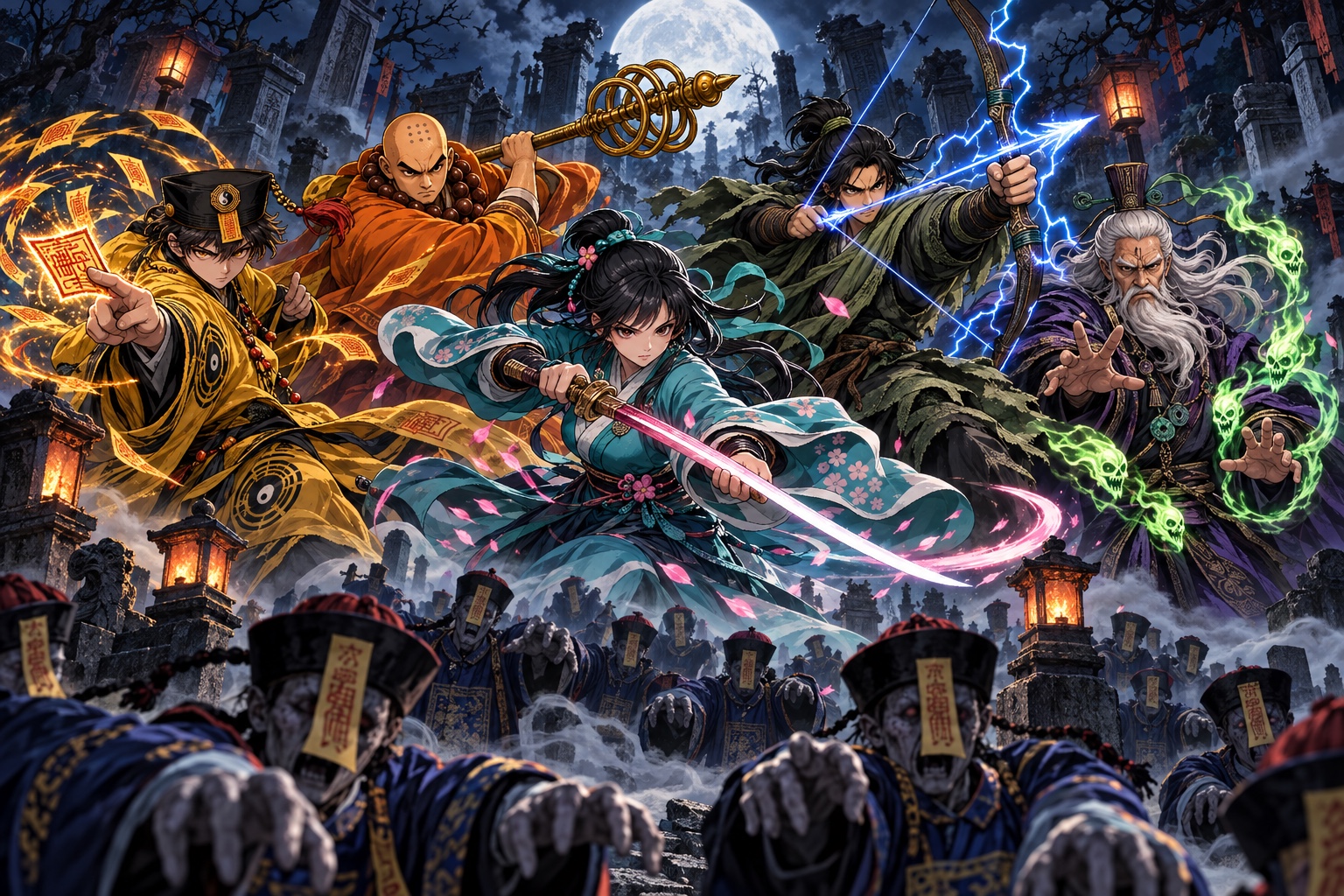
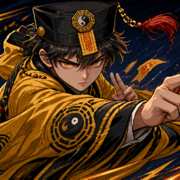
Start with 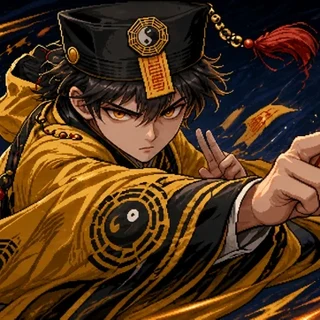 Priest Lin Zhen at Heat 0 to learn how a raid moves from the road map to combat and back again. Select the hunter and pick an opening charm. When the first road is dealt, choose a lit stop on the map to begin fighting.
Controls
Section titled “Controls”| Action | iPhone | Windows |
|---|---|---|
| Move | Drag anywhere on the board. Your hunter moves in the direction you drag. | Use WASD or the arrow keys, or move the mouse to lead the hunter. On a gamepad, use the left stick or D-pad. |
| Fire | Keep your finger down to fire. Lift it to hold fire. | Auto-fire starts on by default. Press Space or Z to switch it on or off in combat. |
| Cast your ultimate | Tap the glowing seal at the lower right. | Press V or the gamepad’s X button when the seal glows. |
| Check the road map | Tap the map button. | Press Tab or the gamepad’s Y button. |
| Pause | Tap the pause button. | Press Esc or the gamepad’s B button. |
On an Apple silicon Mac, check How to Play on the title screen for the controls shown for your input. You can adjust text size in Settings before starting.
Read the fight
Section titled “Read the fight”The hearts show how many hits you can take. The dots at the lower left track your weapon level. A hit costs a heart and can lower your weapon by one level, so move out of ground warning marks early. You can shoot down enemy bullets with many weapons. Watch which attacks your hunter can stop.
Pick up scattered green XP shards when the way is clear. Once the fight ends, use Claim Rewards to collect the stop’s reward and choose any cards you’ve earned. The road map opens after you finish choosing.
Follow the first successful raid guide to see how to use rewards and shops to prepare for each road boss. See the hunter reference if you want to try another weapon and ultimate.
Sources
App Store 1.0.5 and Windows 1.0.6 on itch.io. Game and cover artwork © tomaming.
- Jiangshi Night 1.0.5 (20) for Apple devices — Extracted data · 07610b0fba7ff38a4e8db660f68ae12d77bbdee9
- Jiangshi Night 1.0.6 for Windows — Extracted data · dd471ef03e4f3085bddbf009d5378eacbe9f4c4c
- Jiangshi Night cover and game artwork — Documentation · 07610b0fba7ff38a4e8db660f68ae12d77bbdee9
Official Jiangshi Night wiki, maintained by the developer.
Comments & feedback
Share a tip or suggest a correction. Comments are public. Guest names are unverified; verified accounts show their public name. All language pages share this discussion. Please keep personal information private.