
Rune gates and builds
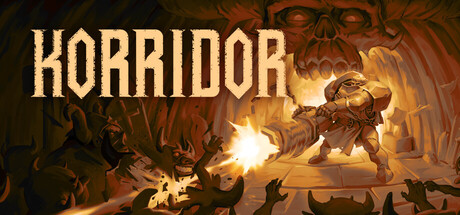
Build for what’s cutting your run short. Pick effects that help you clear crowded lanes, take down tough enemies, or stay alive long enough to get through the next fight.
Read the gates before choosing
Section titled “Read the gates before choosing”- In the options, turn on display rune effects. Look at each gate’s effect before you steer through it. If you have a die to spend, click the dice icon or press R to change the choices (Y on a controller).
- Check Weight along with damage and fire rate. Weight slows movement and firing. When a heavy rune improves each shot, see whether you can still move out of danger and fire often enough to keep up.
- At the shop, look for a gem or item that helps your strongest effect or makes up for a weakness. Compare the rune list, gems and shop items before spending.
Combine runes around one job
Section titled “Combine runes around one job”| What you need | Combination to look for |
|---|---|
| Clear targets lined up behind one another |  Pierce lets shots pass through enemies without losing damage. Larger enemies resist one point of Pierce.  Spread adds two side cannons to cover a wider area. |
| Get more hits on a tough enemy |  Haste adds fire rate and movement speed. Keep shots on the same target so  Scar can add damage after repeated hits. |
Land several  Holy Bullets together |
 Burst and Holy Bullet let you fire several Holy Bullets at once. Line up your target, then press E to activate the effect. |
See combat for when to trigger Holy and Blood effects or whether to build around damage that Armor blocks.
Sources
KORRIDOR Windows build 26888432, including Weight, rune and loading-screen descriptions. TinyToad’s rune gate settings update describes the effect display option. Steam store capsule artwork © Martin Jacob.
- KORRIDOR Windows game files, Steam build 26888432 — Extracted data · 26888432
- KORRIDOR on Steam — Documentation · accessed-2026-11-28
- Descent Mode developer announcement — Documentation · 26825353
Independent fan wiki. KORRIDOR and its artwork belong to their rights holders.
Comments & feedback
Share a tip or suggest a correction. Comments are public. Guest names are unverified; verified accounts show their public name. All language pages share this discussion. Please keep personal information private.