 GameWikiStation
 Silver Pines
Getting started
First steps
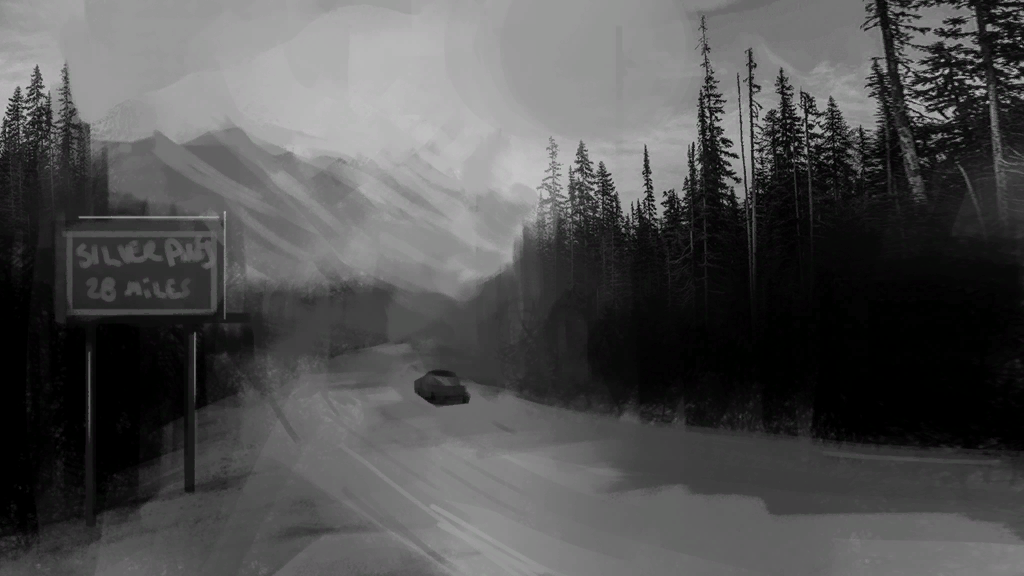
Section titled “First steps”Silver Pines is a survival-horror exploration game. You play Red Walker, searching for the missing Eddie Velvet. The game combines exploration, combat or evasion, limited carrying space, and tools that help open routes. This guide is an orientation from the store description and inspected game help text; current controls and the opening sequence have not been checked in a running build.
- Check Settings for your control bindings. Use those live bindings whenever an action prompt appears.
- Learn the map. Open the map, switch floors when needed, and use the camera to leave a marker at a place worth revisiting. Important documents are recorded on the map and can be reviewed later.
- Treat saving as a resource. At a payphone, insert money, choose a contact from the address book, and press Call; the in-game help says the $1 call saves progress. Confirm the interaction and available coins before taking a risk.
- Keep the carried inventory for the next obstacle. Space is tight. Keys can be combined with the keyring, while the shared item box lets you retrieve stored items from any box. Leave a route-specific tool or key in storage only when you are confident it is not needed soon.
- Use light deliberately. The flashlight improves sight in dark areas and consumes charge while on. Combine it with batteries to recharge.
- Avoid trading health for uncertain fights. The help describes stealth and dodging past enemies. Melee weapons lose durability;
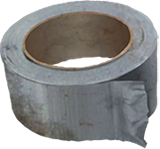 Duct Tape is listed as a repair item. Poison drains health over time and reduces available stamina.
For item labels and their extracted descriptions, see the item catalog. For the verified help-text limits and practical survival loop, see survival systems. This guide does not establish a tested route through the opening.
Review pending · Inspected Windows file snapshot, 2026-10-11; Steam build ID unverified
Sources and credits
Game help and item records: inspected Windows file snapshot.
Topic art: native Silver Pines comic panel, credited to Wych Elm / Team17. Source records and asset hashes; reuse permission for the underlying artwork has not been established.
- Inspected Windows file snapshot — Extracted data · files-2026-10-11
- Official Silver Pines Steam store page — Documentation · accessed-2026-10-11
- Silver Pines topic artwork and source-art compositions — Extracted data · page-art-files-2026-10-11
Unofficial fan wiki, not affiliated with Wych Elm / Team17. Game content belongs to its owners.
Comments & feedback
Share a tip or suggest a correction. Comments appear publicly right away; display names are unverified. All language pages share this discussion. Please keep personal information private.