

Co-op and saves
Start a crew
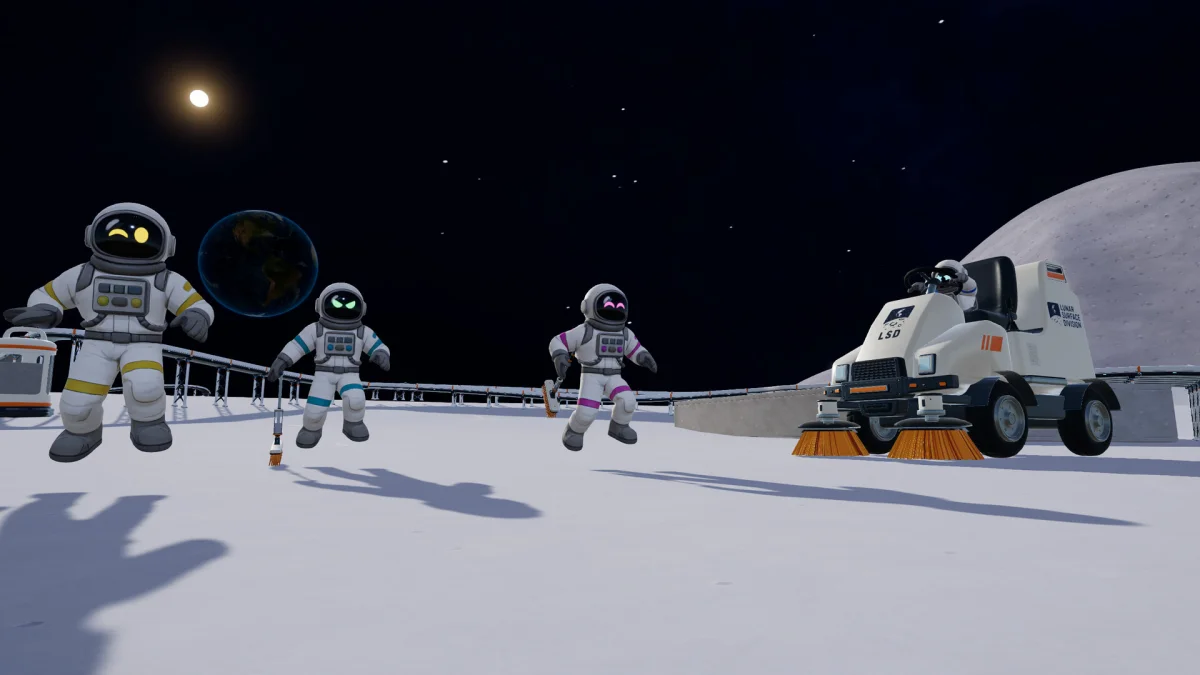
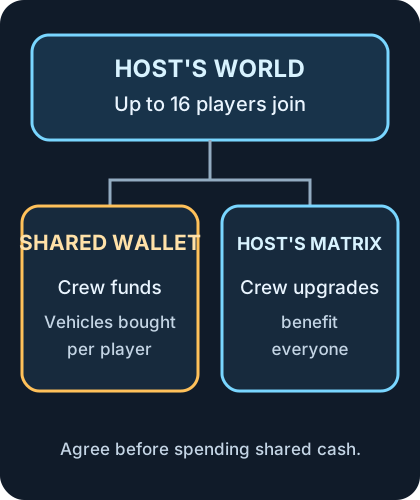
Section titled “Start a crew”Up to 16 players can clean the host’s Moon together. Invite friends through Steam from the main menu or pause menu. If a friend cannot join, check that both players have the same game version. Steam game overview.
The crew shares one wallet and the host’s Upgrade Matrix. A matrix purchase benefits everyone; the 1.0.3 developer notes also describe recalling vehicles through garages. Vehicles are still bought per player from shared funds. Agree on larger purchases before spending the crew’s cash. Compare tools and vehicles.
For a crew of people you know, choose Friends Only or Invite Only. A Public crew lets other Steam players join, spend crew money and change structures; those changes are saved. The host can kick, ban or unban players in Esc → Your Crew. See the 1.0.5 public crew warning.
Find your Windows backups
Section titled “Find your Windows backups”From 1.0.4, each save slot retains up to five full backups. The game makes the first one about a minute into a session and takes another every 30 minutes. These backups sit outside Steam Cloud:
%USERPROFILE%\AppData\LocalLow\DragDropGames\MoonSweepers\BackupsPaste the path into File Explorer on the host’s PC. If you are troubleshooting a damaged world, copy the backup folder before changing save files. The game checks for damage when a world loads or after a crash and can restore from its backups. The developer says saves made in 1.0.4 will not open in older versions. 1.0.4 save and recovery notes.
Sources
In-game Field Manual and lobby prompts (build 1.0.5); Steam game overview. Optional developer trailer: Moon Sweepers official trailer. Co-op screenshot: DragDrop Games via Steam. Diagram: GameWikiStation.
- Official Steam product listing — Moon Sweepers — Documentation · accessed-2026-11-07
- Supplied Windows build — English and Simplified Chinese manual and catalog text — Extracted data · 1.0.5
- Moon Sweepers developer news archive — patch 1.0.3 — Documentation · 1.0.3
- Moon Sweepers patch 1.0.4 — Documentation · 1.0.4
- Moon Sweepers patch 1.0.5 — Documentation · 1.0.5
- Moon Sweepers official trailer — Wishlist on Steam Now — Documentation · accessed-2026-11-07
Unofficial fan wiki, not affiliated with DragDrop Games. Game content belongs to its owners.
Comments & feedback
Share a tip or suggest a correction. Comments are public. Guest names are unverified; verified accounts show their public name. All language pages share this discussion. Please keep personal information private.