

Belts and automation
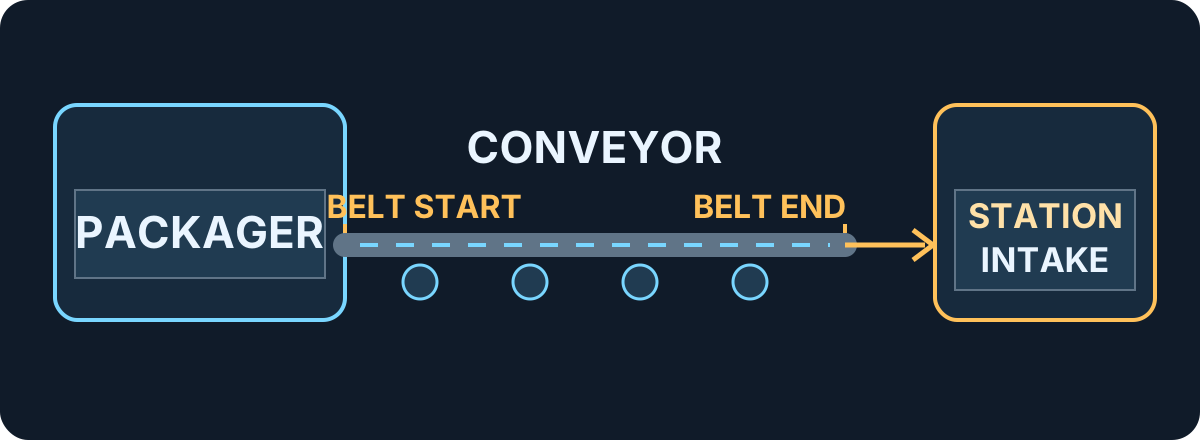
Start with one working delivery line. Every automated source needs somewhere for its dust to go. If a belt or output fills up, adding more machines upstream will only make the queue longer.
Build a first delivery line
Section titled “Build a first delivery line”- Place a
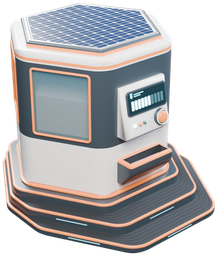 Packager near a station intake. Load it with dust from your hand tool. The Packager turns dust into capsules and sends them out of its port.
- Connect its output to the intake with a belt. Use the displayed Belt start and Belt end labels to check that the Packager output and station intake are the intended endpoints. The build prompt also offers Reverse. Check both endpoints before placing. Try one capsule first and confirm whether it reaches the intake and whether the sale registers. Dust delivered by belt is paid as it arrives, as described in the 1.0.3 developer notes.
- Add one source at a time. A robot vacuum works the hexes around its dock, then brings dust back to be packed and sent onto a belt. A garage silo does the same for a vehicle’s load. Use a merger when bringing two lines together; mergers alternate between inputs.
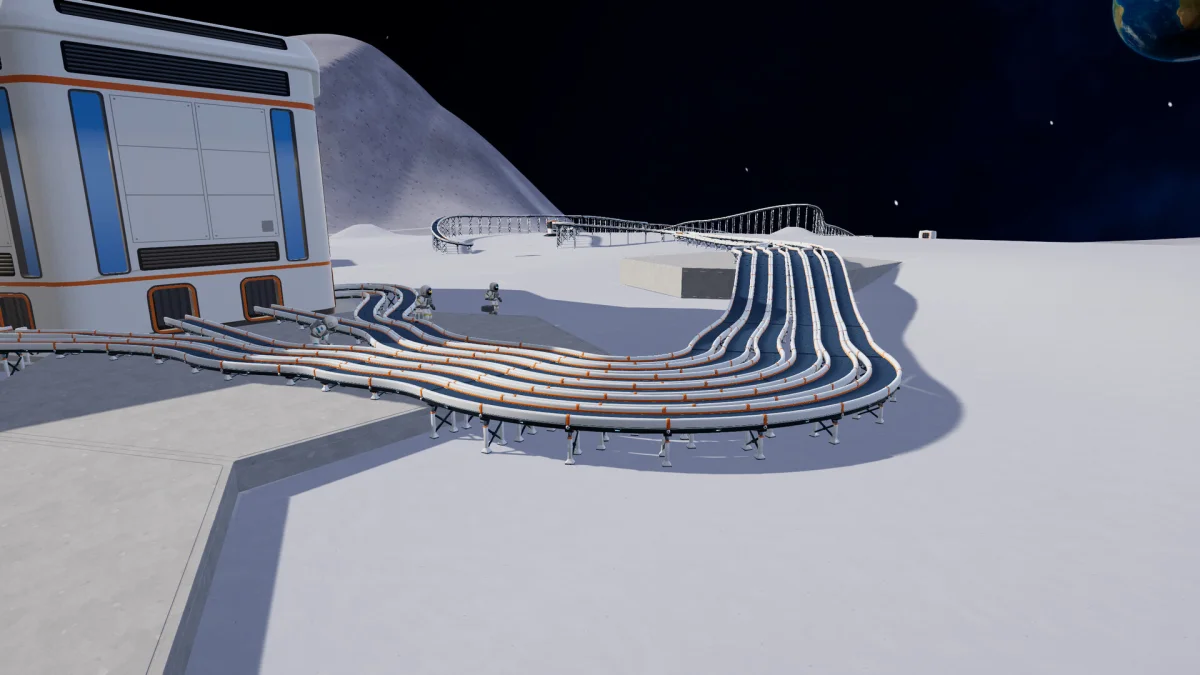
The 1.0.5 building update lets you place pieces on dusty ground. With the  building tool, use R to move a piece and anything supported by it. Belts connected to its ports follow if they can still reach. Check the ports after moving a machine. Removing a piece in 1.0.5 refunds its full purchase price. 1.0.5 building changes.
Set up 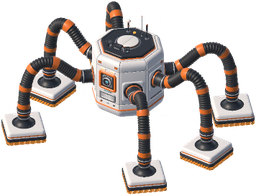 J.O.O.N.A.S.
Section titled “Set up J.O.O.N.A.S.”J.O.O.N.A.S. cleans one hex at a time and fires capsules to catchers without returning to a dock. It keeps working while players are elsewhere. Build a 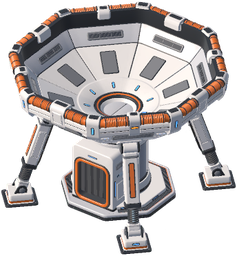 Capsule Catcher before relying on the robot; it waits when its bin is full and no catcher is available.
In 1.0.5, the robot targets the emptiest catcher in the nearest group. Catchers within 100 m of one another are grouped together. When all catchers in the group are over 80% full, the robot sends capsules to the next group. Each catcher holds 100 kg. See the 1.0.4 robot and catcher changes and 1.0.5 delivery changes.
Process dust into sand and stone
Section titled “Process dust into sand and stone”| Machine | Input | Output |
|---|---|---|
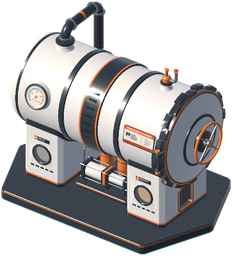 Pressure Chamber |
Lunar dust | Moon sand |
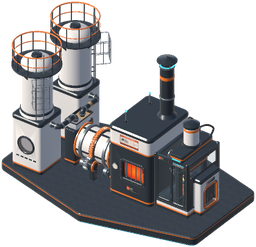 Stone Press |
1 kg lunar dust and 1 kg moon sand | One 2 kg moon stone block |
The Stone Press needs both materials. Split your dust supply so one branch feeds the Pressure Chamber and another feeds the Stone Press directly. Run the sand output to the press’s other input. Both products can be sold, so check that your line can deliver what it makes before expanding.
If a machine goes idle, check its panel for missing input, low power or a blocked output. Solar panels power nearby machines; a Solar Twin or Solar Tracker can store power for the night. If a catcher or garage silo stops emptying, follow the belt until you find the first place capsules stop.
Sources
In-game Field Manual and build catalog (build 1.0.5); developer’s notes on belts and payments. Diagram: GameWikiStation. Facility screenshot: DragDrop Games via Steam. Equipment icons: DragDrop Games.
- Official Steam product listing — Moon Sweepers — Documentation · accessed-2026-11-07
- Supplied Windows build — named tools, vehicles and automation sprites — Extracted data · 1.0.5
- Supplied Windows build — English and Simplified Chinese manual and catalog text — Extracted data · 1.0.5
- Moon Sweepers developer news archive — patch 1.0.3 — Documentation · 1.0.3
- Moon Sweepers patch 1.0.4 — Documentation · 1.0.4
- Moon Sweepers patch 1.0.5 — Documentation · 1.0.5
Unofficial fan wiki, not affiliated with DragDrop Games. Game content belongs to its owners.
Comments & feedback
Share a tip or suggest a correction. Comments are public. Guest names are unverified; verified accounts show their public name. All language pages share this discussion. Please keep personal information private.