
 Order of the Sinking Star
Dimensional trial and first 3D rooms

Compare the platforms, ledges and exits across one dimensional trial room and eight introductory 3D rooms. These selected views come from walkthrough footage; the brief hints summarize its notes.
Four symbol circles
Section titled “Four symbol circles”Follow the four symbol circles around the central junction.
The ring marks a visible feature in this selected view.
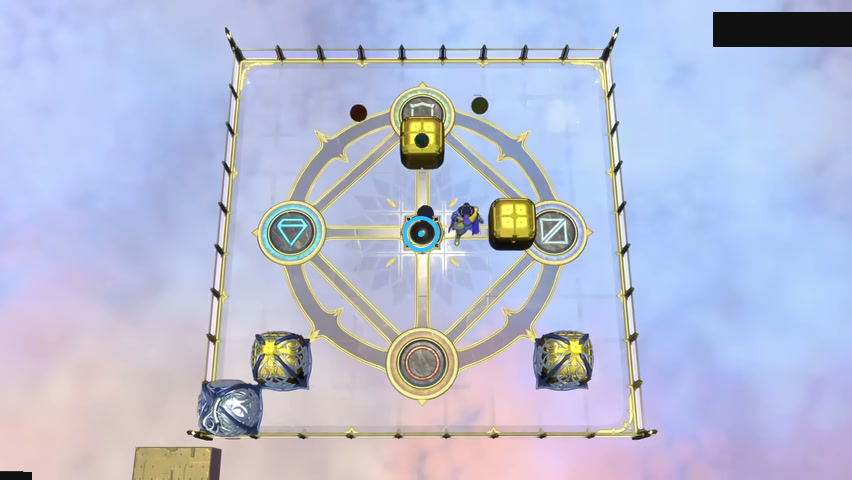
Find the central black junction.
Check: The blue ring marks the central black junction.
Open full-size image in a new tabStone ledges
Section titled “Stone ledges”Compare the heights of the stone ledges and the yellow exit.
The ring marks a visible feature in this selected view.
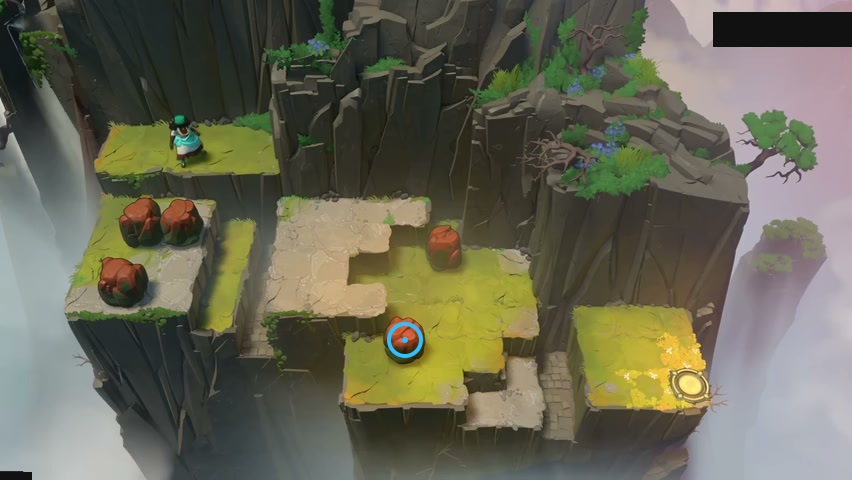
Find the front stone on the middle ledge.
Check: The blue ring marks the front stone on the middle ledge.
Open full-size image in a new tabA lower path
Section titled “A lower path”Compare the purple stone with the lower pale path around the raised terrace.
The ring marks a visible feature in this selected view.
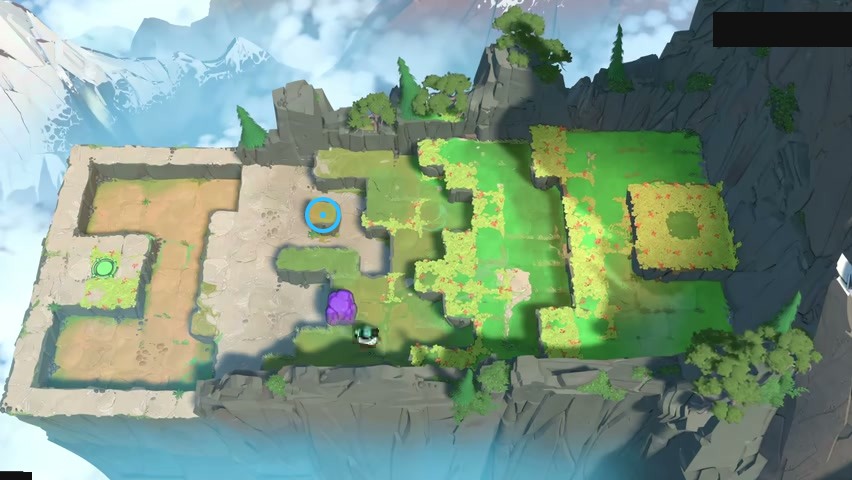
Find the small square raised tile near the middle.
Check: The blue ring marks the small square raised tile near the middle.
Open full-size image in a new tabSisters on different levels
Section titled “Sisters on different levels”Compare the sisters’ ledges with the two exits on the right.
The ring marks a visible feature in this selected view.
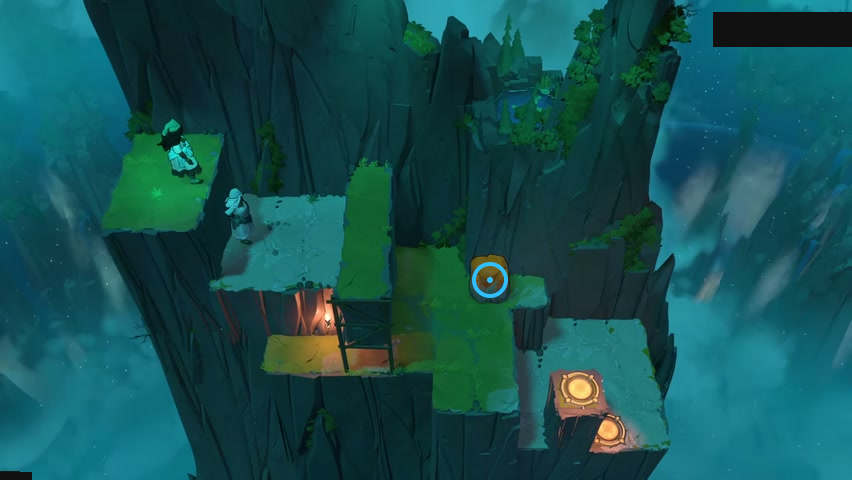
Find the golden stone on the middle-right ledge.
Check: The blue ring marks the golden stone on the middle-right ledge.
Open full-size image in a new tabA stone step
Section titled “A stone step”Use the stone as an intermediate step between the ledges.
The ring marks a visible feature in this selected view.
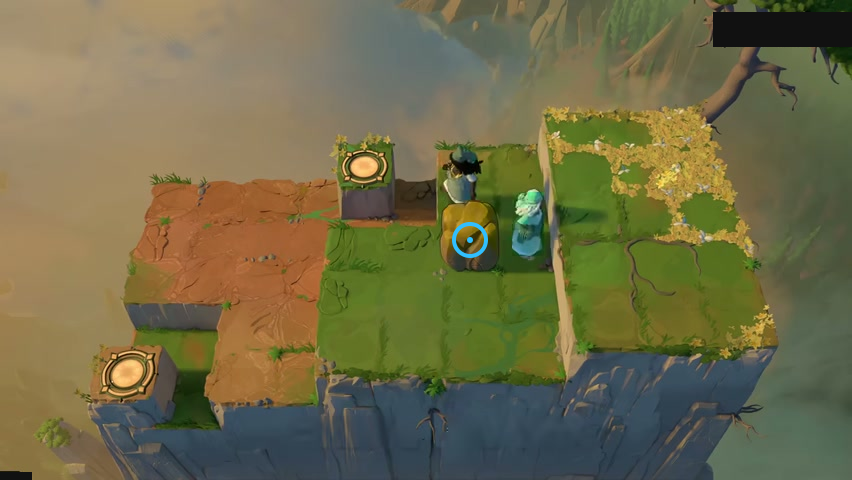
Find the stone below the dark-haired sister.
Check: The blue ring marks the stone below the dark-haired sister.
Open full-size image in a new tabCastle floors
Section titled “Castle floors”Compare the green crystals and switches across the castle’s different levels.
The ring marks a visible feature in this selected view.
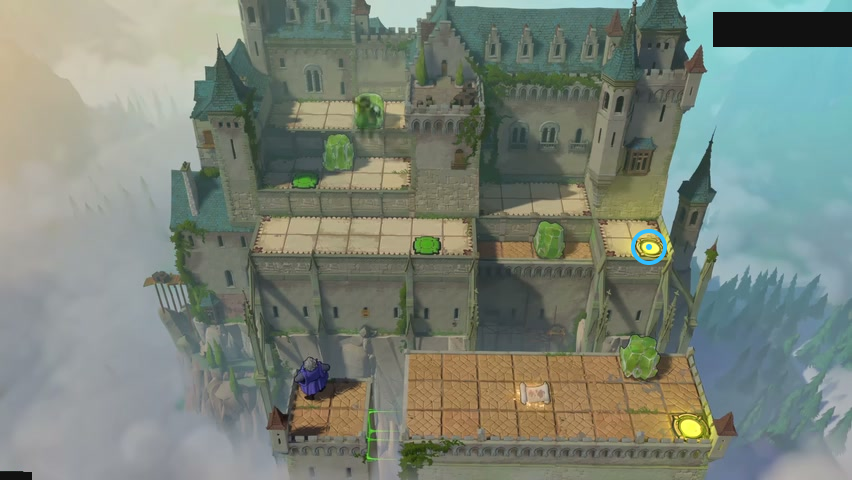
Find the upper yellow exit on the right.
Check: The blue ring marks the upper yellow exit on the right.
Open full-size image in a new tabMirrors across ledges
Section titled “Mirrors across ledges”Compare the two mirrors at different heights.
The ring marks a visible feature in this selected view.
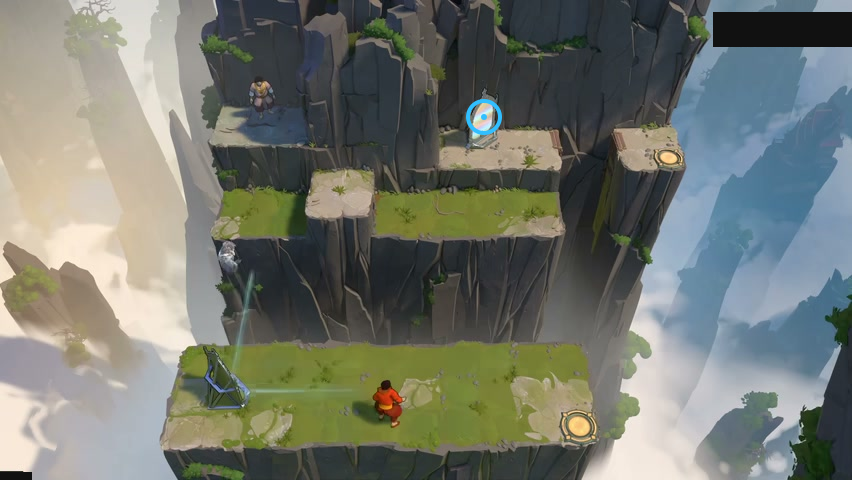
Find the upper mirror.
Check: The blue ring marks the upper mirror.
Open full-size image in a new tabStones below the palace
Section titled “Stones below the palace”Compare the lower row of five stones with the raised water-side landings.
The ring marks a visible feature in this selected view.
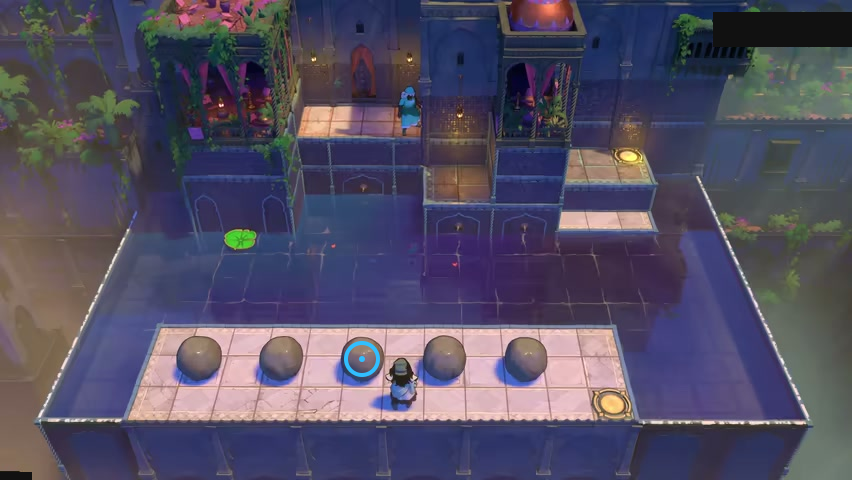
Find the middle stone in the lower row.
Check: The blue ring marks the middle stone in the lower row.
Open full-size image in a new tabBeams at different heights
Section titled “Beams at different heights”Trace the cyan, yellow and purple beams across the different height levels.
The ring marks a visible feature in this selected view.
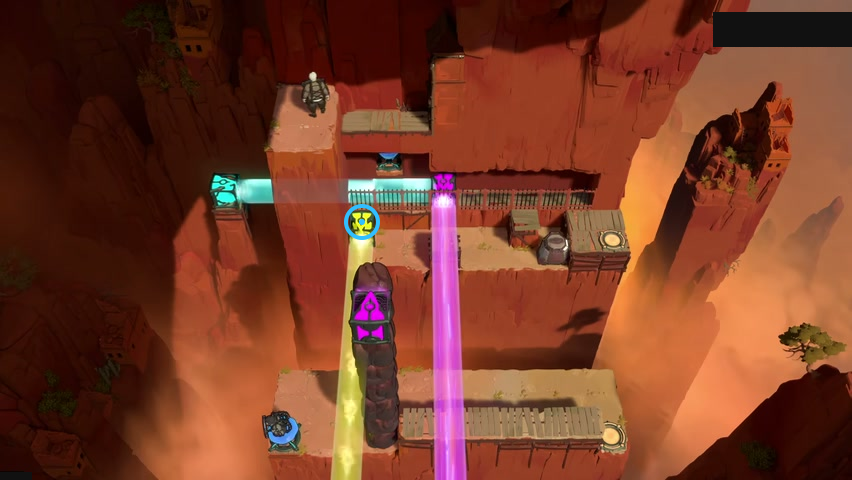
Find the yellow beamcaster above the tall stack.
Check: The blue ring marks the yellow beamcaster above the tall stack.
Open full-size image in a new tabVideo source
Selected frames are from 塞德莎’s Bilibili walkthrough, parts 25–26.
- Full puzzle candidate inventory (PC r67121) — Extracted data
- Selected walkthrough and puzzle-design workshop frame observations — Observed in-game · current-development-layout-observations-2026-10-25
- Current development-layout identity and display delta — Extracted data · current-development-layout-display-delta-2026-10-25
- Dimensional Trial selected layouts — Extracted data · dimensional-trial-selected-layouts-2026-10-25
- 塞德莎 walkthrough playlist part 25 — Observed in-game · playlist-part-25-cid-42644734143-2026-10-25
- 塞德莎 walkthrough playlist part 26 — Observed in-game · playlist-part-26-cid-42649259703-2026-10-25
Unofficial fan wiki, not affiliated with Thekla, Inc. / Arc Games / Gamirror Games. Game content belongs to its owners.
Comments & feedback
Share a tip or suggest a correction. Comments are public. Guest names are unverified; verified accounts show their account username. All language pages share this discussion. Please keep personal information private.