
 Order of the Sinking Star
Low Skipping Stones

This guide follows the article’s numbering: 18 article stills match local r67121 candidate layouts; one article still remains unassigned. The article also includes 6 separate Overworld stills, with no target assignments. The exact Steam depot mapping is unverified. Compare your board with these selected views, then use the hint below each image. Article puzzle numbers remain separate from internal set positions. Rings mark visible landmarks, not action steps. Stills show selected layouts only; they do not establish starting states, routes, finishes, or exact video times. Selected video views supplement article stills where the original image obscures the board.
Low Skipping Stones article rooms
Section titled “Low Skipping Stones article rooms”Puzzle 1
Section titled “Puzzle 1”This article still has no approved candidate assignment.
Puzzle 2
Section titled “Puzzle 2”The ring marks a visible landmark, not an action step.
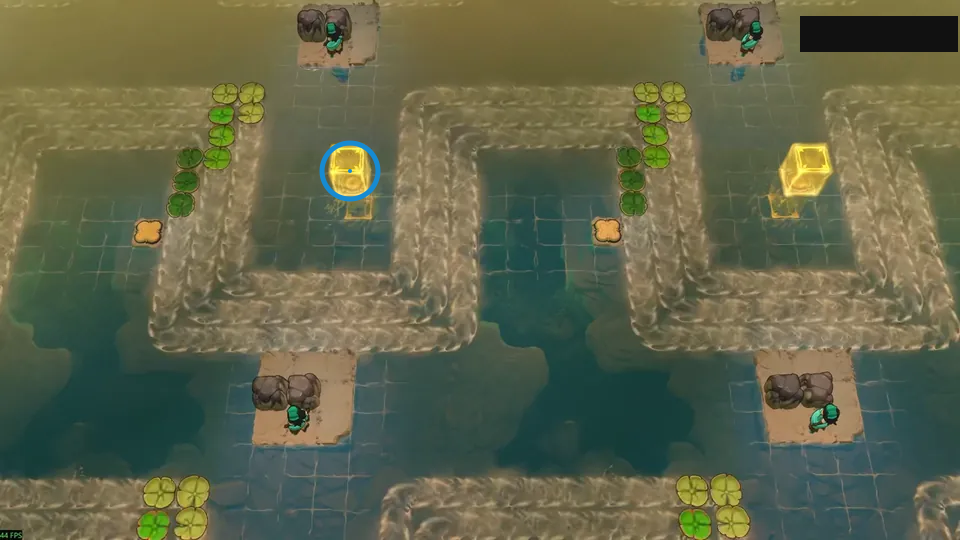
Time two stones onto separate lily pads.
Check: Ring marks yellow block inside the left loop.
Open full-size image in a new tabPuzzle 3
Section titled “Puzzle 3”The ring marks a visible landmark, not an action step.
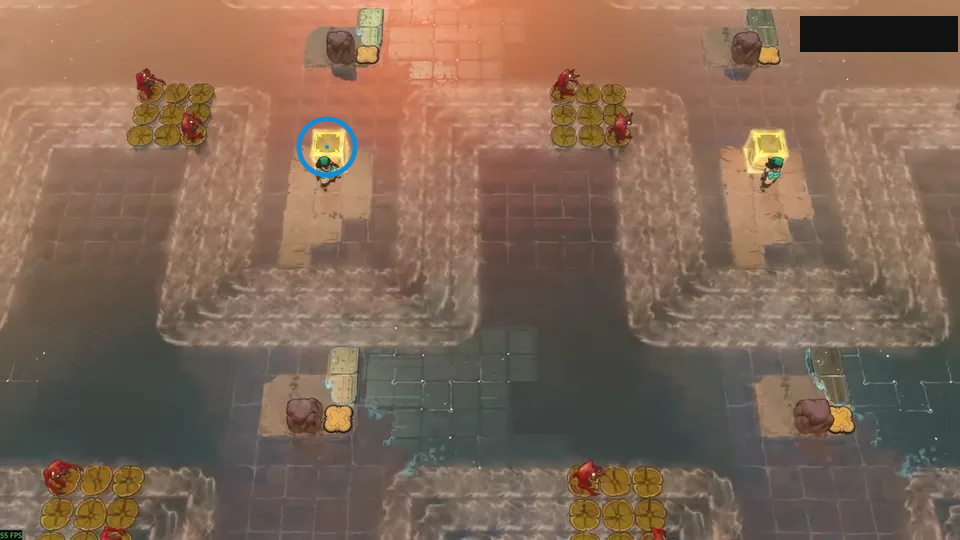
Ride over, press the button, and return.
Check: Ring marks yellow block above the middle raft.
Open full-size image in a new tabPuzzle 4
Section titled “Puzzle 4”The ring marks a visible landmark, not an action step.
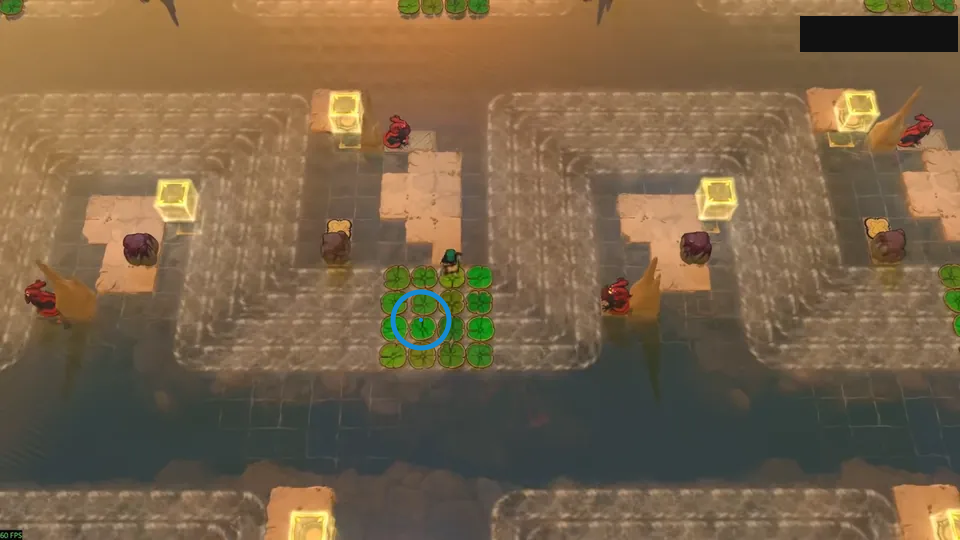
Carry one stone around to block the dragon.
Check: Ring marks green lily pad cluster at the center.
Open full-size image in a new tabPuzzle 5
Section titled “Puzzle 5”The ring marks a visible landmark, not an action step.
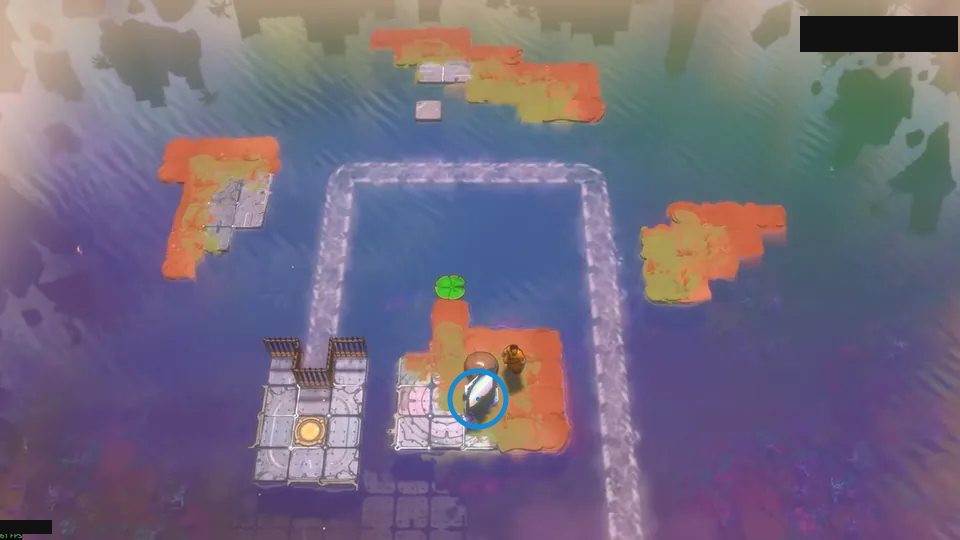
A carried mirror turns with each current bend.
Check: Ring marks tilted mirror on the lower island.
Open full-size image in a new tabPuzzle 6
Section titled “Puzzle 6”The ring marks a visible landmark, not an action step.
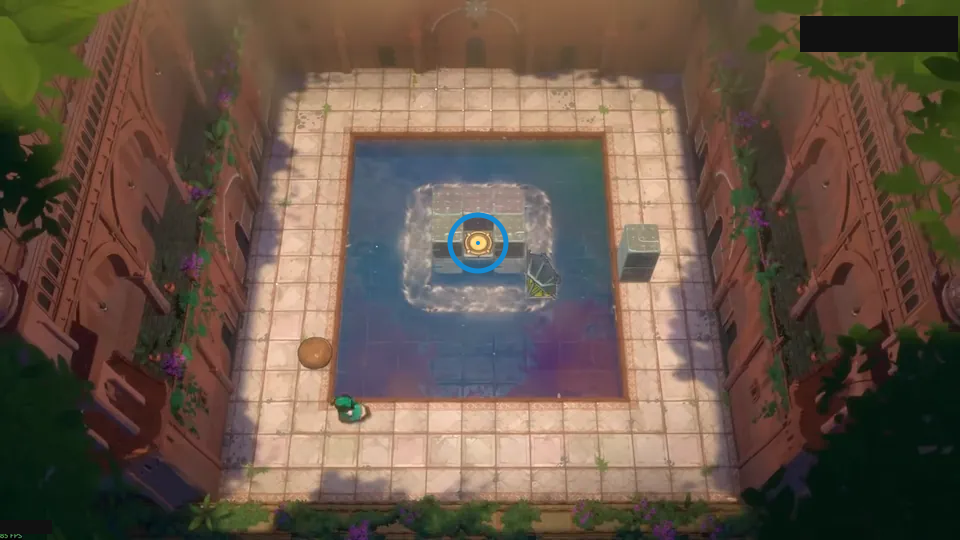
Stop the pad at both corners to turn the mirror.
Check: Ring marks yellow pad inside the square pool.
Open full-size image in a new tabPuzzle 7
Section titled “Puzzle 7”The ring marks a visible landmark, not an action step.
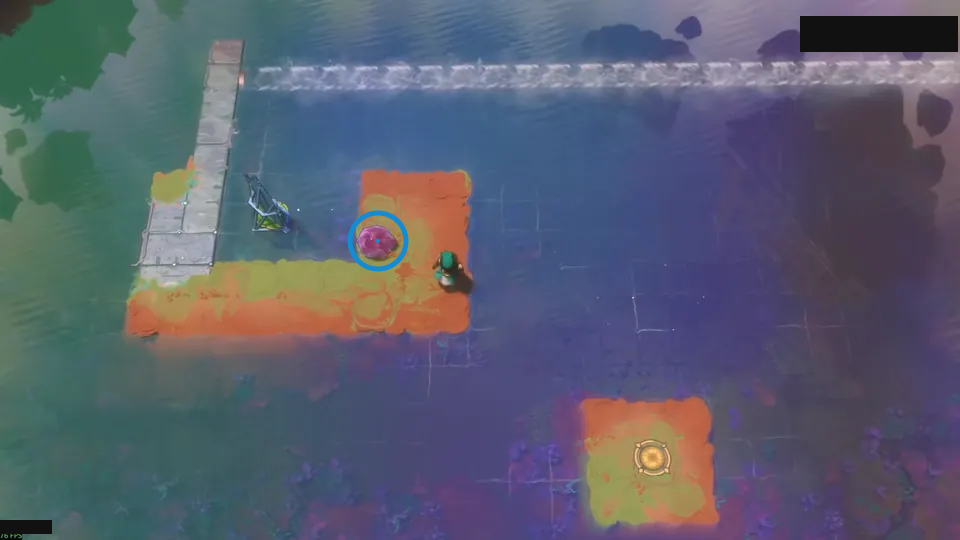
Dam the current for a second mirror turn.
Check: Ring marks purple stone on the orange ledge.
Open full-size image in a new tabPuzzle 8
Section titled “Puzzle 8”The ring marks a visible landmark, not an action step.
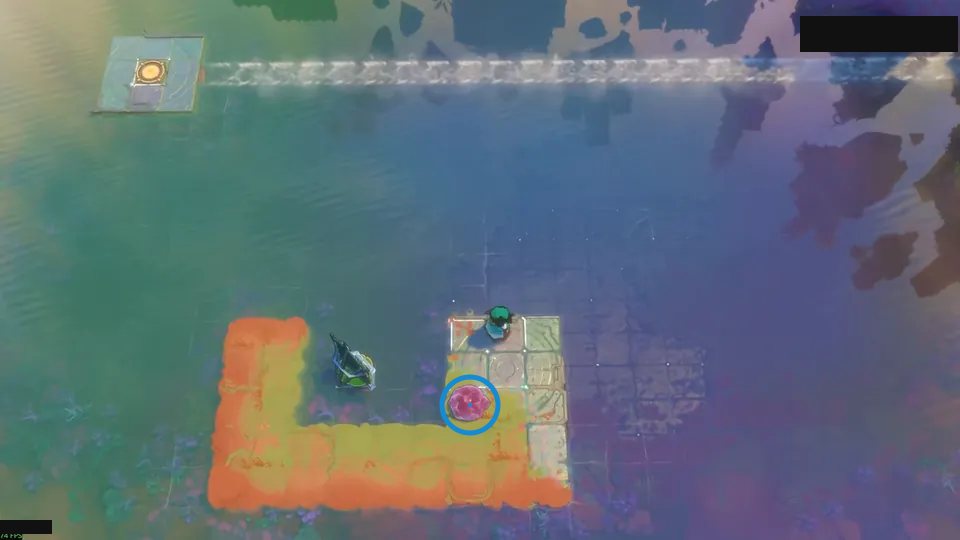
Reflect the stone near the mirror into the current.
Check: Ring marks purple stone on the lower bend.
Open full-size image in a new tabPuzzle 9 — water_bender_v3
Section titled “Puzzle 9 — water_bender_v3”Source-reported hint: Use a slanted mirror to steer the current.
Selected room detail.
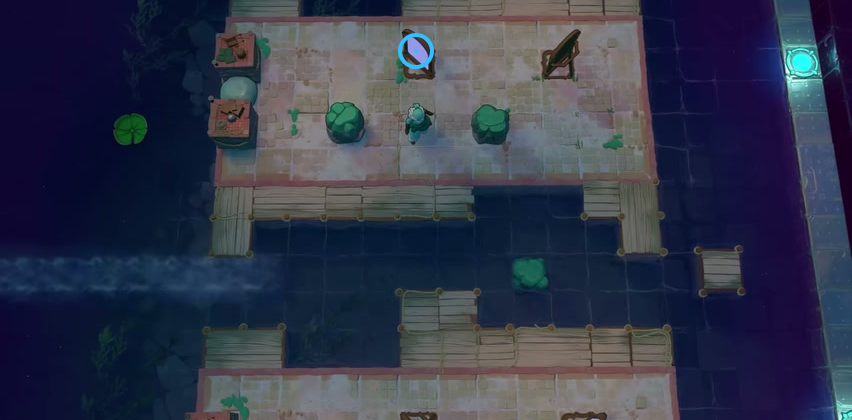
Find the mirror on the left of the upper platform.
Check: The blue ring marks the mirror on the left of the upper platform.
Open full-size image in a new tabPuzzle 10
Section titled “Puzzle 10”The ring marks a visible landmark, not an action step.
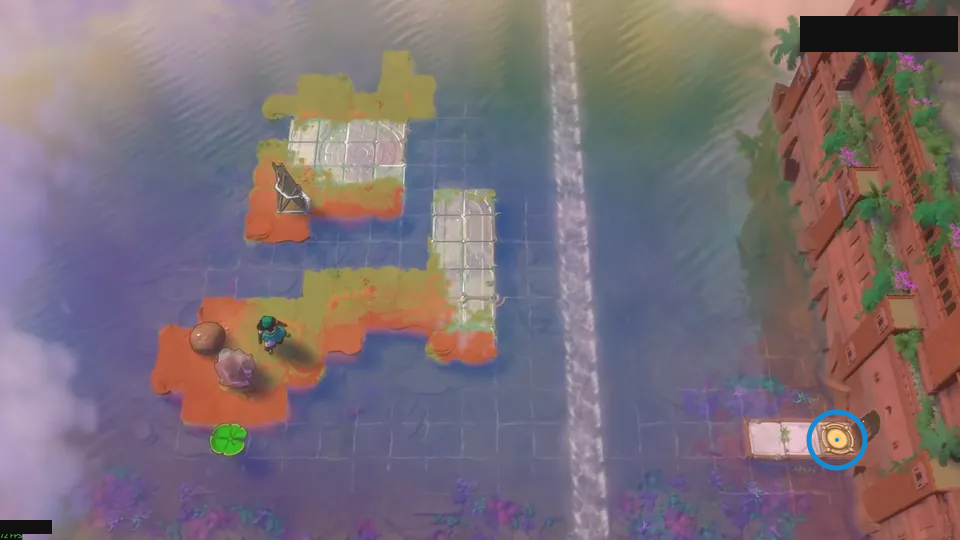
Slip through during a brief current gap.
Check: Ring marks yellow pad at the end of the right walkway.
Open full-size image in a new tabPuzzle 11 — river_rates_button
Section titled “Puzzle 11 — river_rates_button”Source-reported hint: Reroute the currents to stagger the floating shields.
Selected room view.
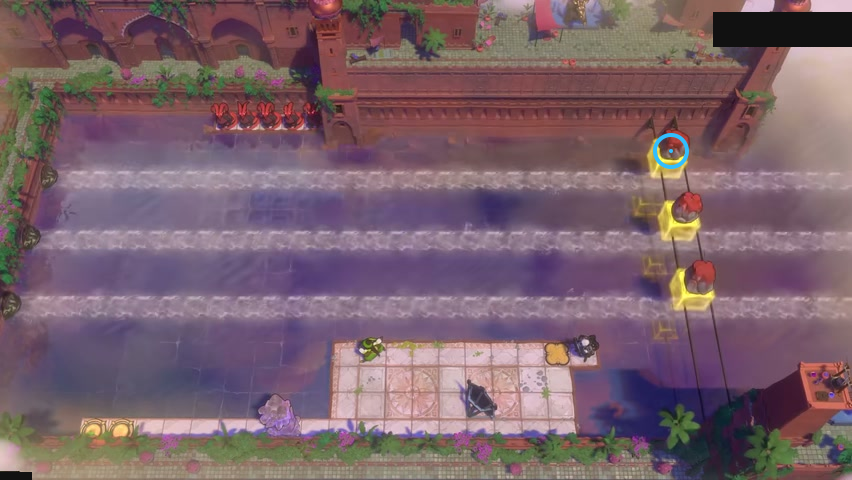
Find the upper red stone above the river.
Check: The blue ring marks the upper red stone above the river.
Open full-size image in a new tabPuzzle 12
Section titled “Puzzle 12”The ring marks a visible landmark, not an action step.
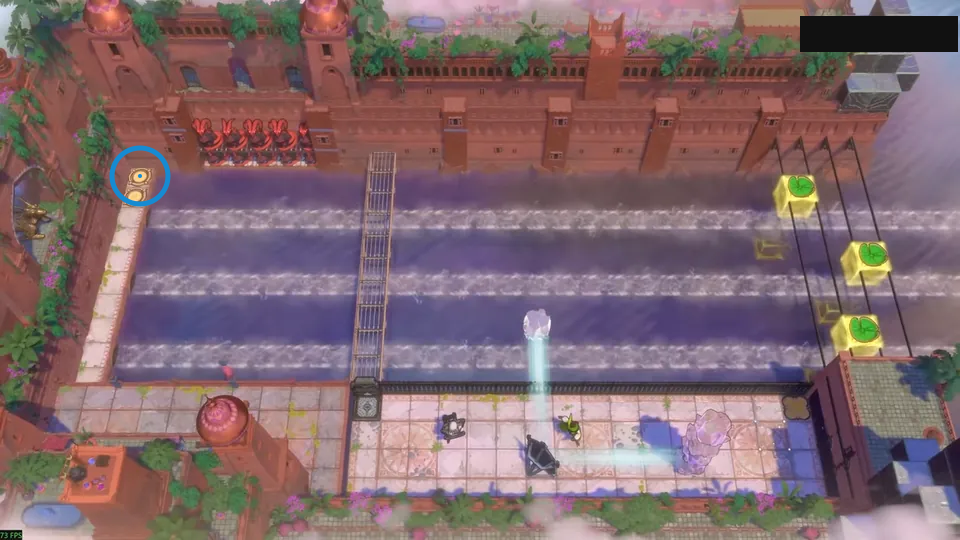
Ride the lower pads; dam the upper current.
Check: Ring marks yellow pad at the upper-left bend.
Open full-size image in a new tabPuzzle 13
Section titled “Puzzle 13”The ring marks a visible landmark, not an action step.
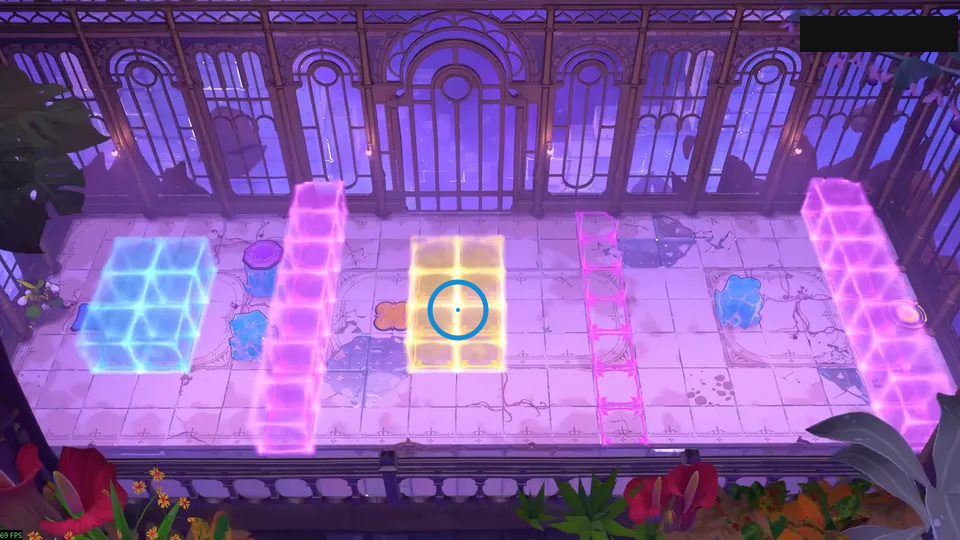
Lower the button by pushing its crystal base.
Check: Ring marks yellow block at the center of the room.
Open full-size image in a new tabPuzzle 14
Section titled “Puzzle 14”The ring marks a visible landmark, not an action step.
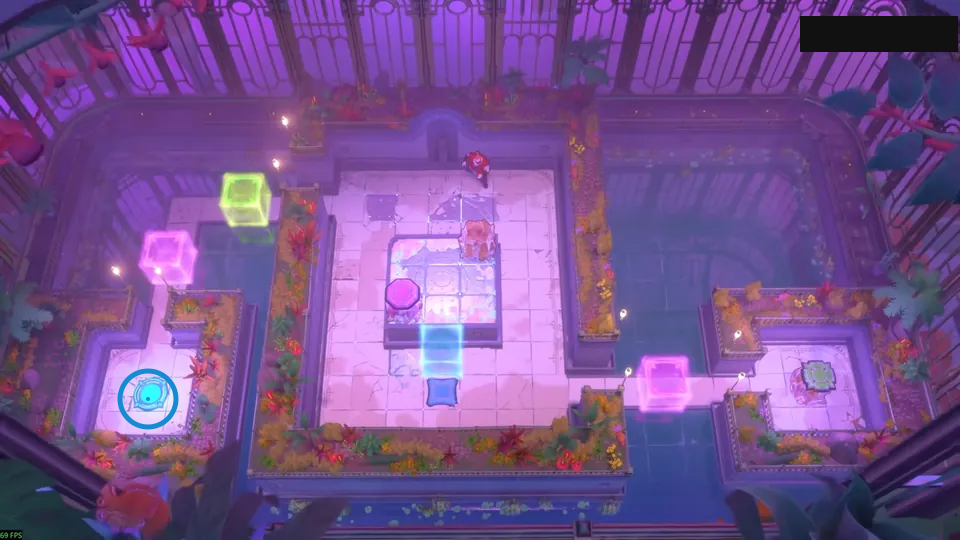
Push the purple button into the water.
Check: Ring marks cyan pad on the lower-left island.
Open full-size image in a new tabPuzzle 15
Section titled “Puzzle 15”The ring marks a visible landmark, not an action step.
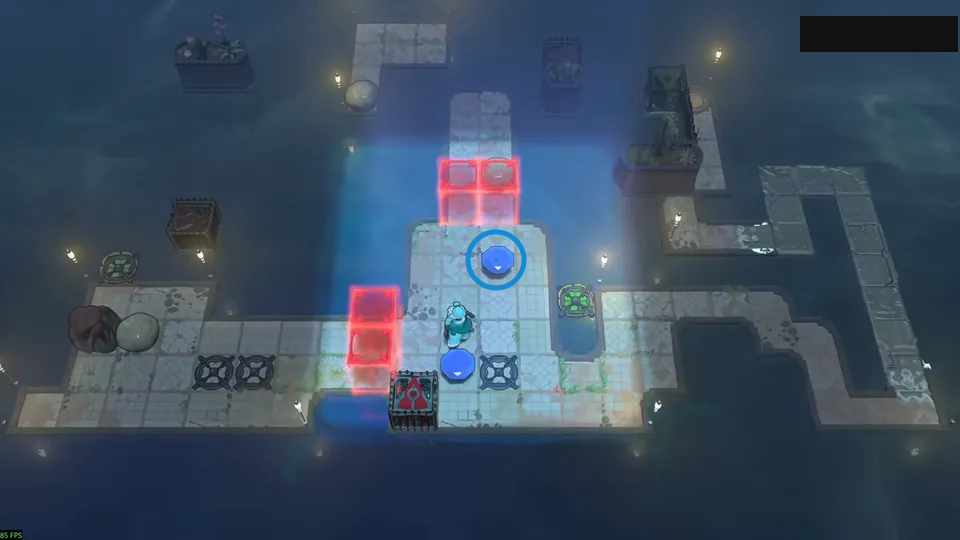
Float the gem activators to the needed pads.
Check: Ring marks blue gem on the central platform.
Open full-size image in a new tabPuzzle 16
Section titled “Puzzle 16”The ring marks a visible landmark, not an action step.
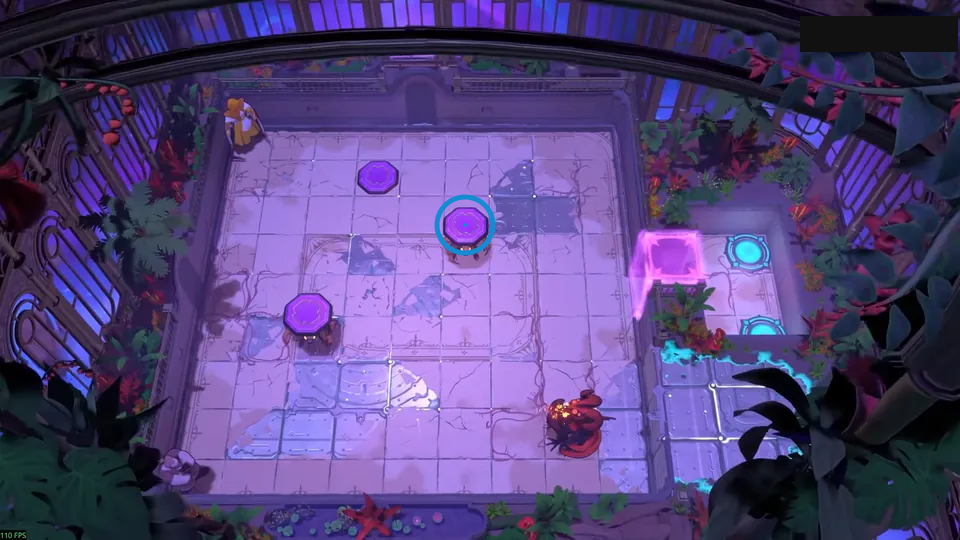
Stack the buttons by using fallen goblins.
Check: Ring marks purple pad near the center.
Open full-size image in a new tabPuzzle 17
Section titled “Puzzle 17”The ring marks a visible landmark, not an action step.
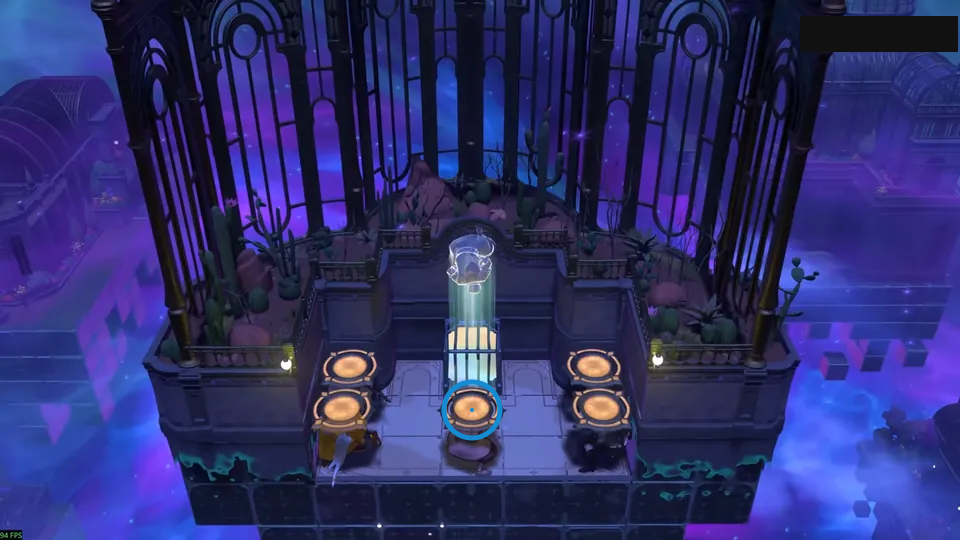
Drop four head exits; carry the fifth.
Check: Ring marks middle orange circular pad in the front row.
Open full-size image in a new tabPuzzle 18
Section titled “Puzzle 18”The ring marks a visible landmark, not an action step.
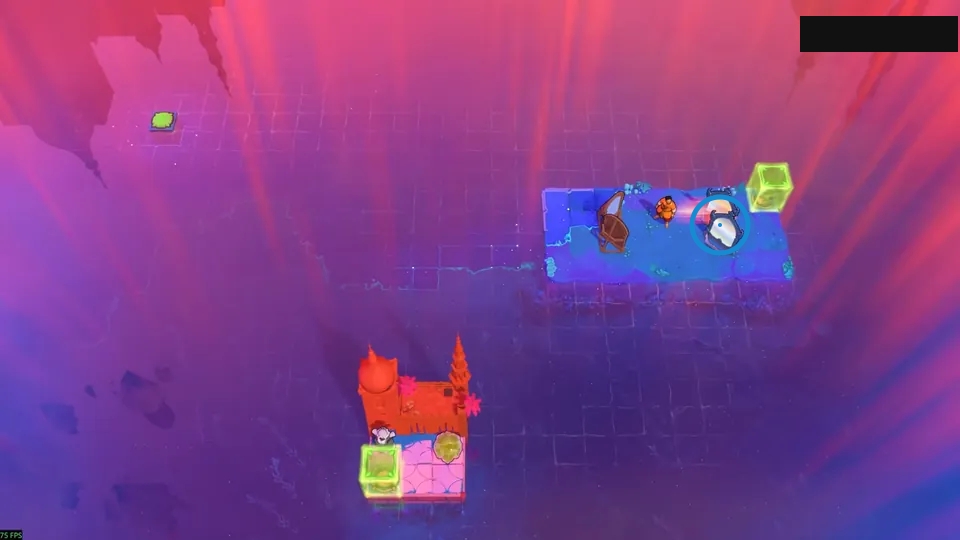
Combine a U-turn with a Z-shaped lift.
Check: Ring marks tilted mirror near the right edge.
Open full-size image in a new tabPuzzle 19
Section titled “Puzzle 19”The ring marks a visible landmark, not an action step.
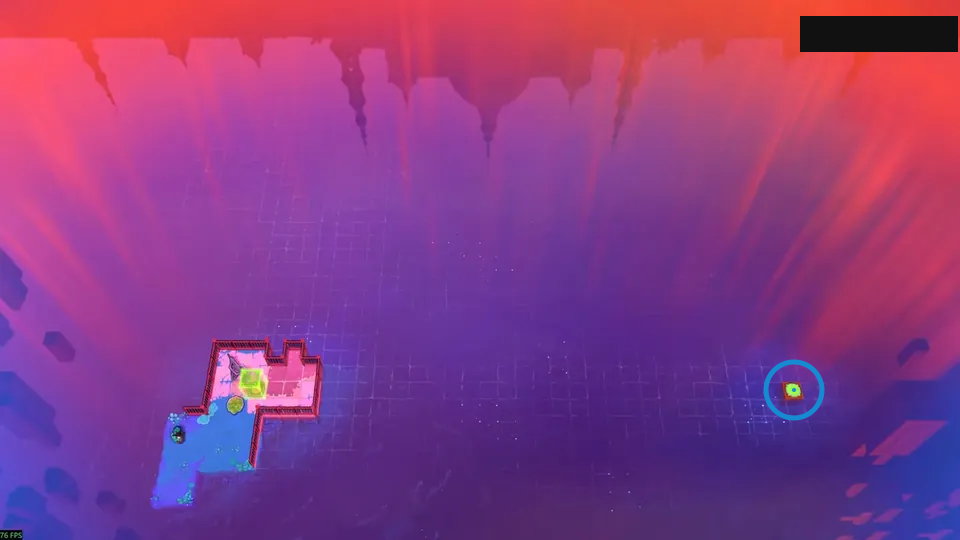
Bounce the stone one mirror at a time.
Check: Ring marks green square on the small right island.
Open full-size image in a new tabSelected room views
Section titled “Selected room views”Mirror beside the stepped island
Section titled “Mirror beside the stepped island”Locate the mirror beside the stepped island and lily pad.
The blue ring marks a visible landmark in this selected view.
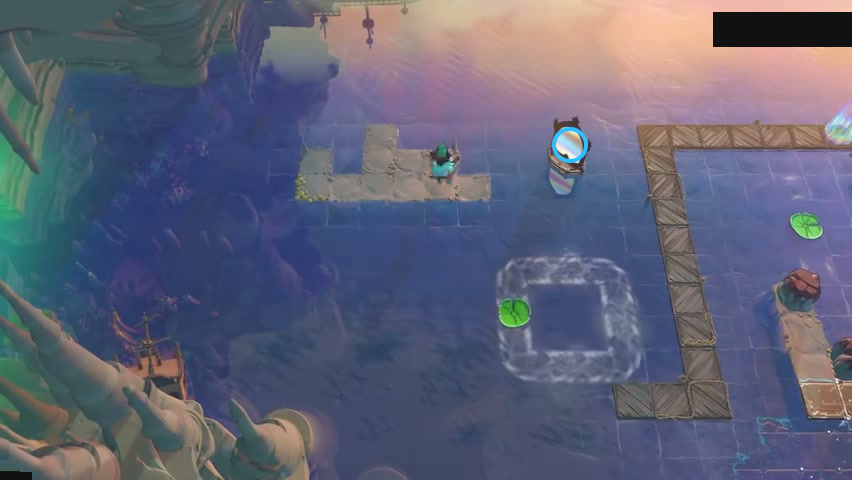
Find mirror beside the stepped island.
Check: The blue ring marks mirror beside the stepped island.
Open full-size image in a new tabVideo source
Video credit: 塞德莎.
- Full puzzle candidate inventory (PC r67121) — Extracted data
- Low Skipping Stones solution article — Documentation · walkthrough-low-skipping-stones-solutions
- Low Skipping Stones solution article approved source/native crosswalk — Extracted data · approved-cross-source-candidates-2026-10-24
- Low Skipping Stones solution article bilingual selected-layout sections — Extracted data · low-skipping-stones-selected-layouts-2026-10-24-remaining29-display-upgrades-2026-10-25
- Twenty-nine selected video frames for previously confirmed room identities — Observed in-game · remaining29-selected-video-frame-observations-2026-10-25
- Display-only coverage delta for29 existing confirmed identities — Extracted data · remaining29-display-coverage-delta-2026-10-25
- Root-approved selected video frame and native layout observations — Observed in-game · verified-backlog-video-frame-observations-2026-10-25
- Verified backlog bilingual selected-layout cards — Extracted data · verified-backlog-selected-layouts-2026-10-25
- Verified backlog current display coverage delta — Extracted data · verified-backlog-display-coverage-delta-2026-10-25
Unofficial fan wiki, not affiliated with Thekla, Inc. / Arc Games / Gamirror Games. Game content belongs to its owners.
Comments & feedback
Share a tip or suggest a correction. Comments are public. Guest names are unverified; verified accounts show their account username. All language pages share this discussion. Please keep personal information private.